Showing posts with label Inkscape. Show all posts

Sunday, June 9, 2013

Address Label


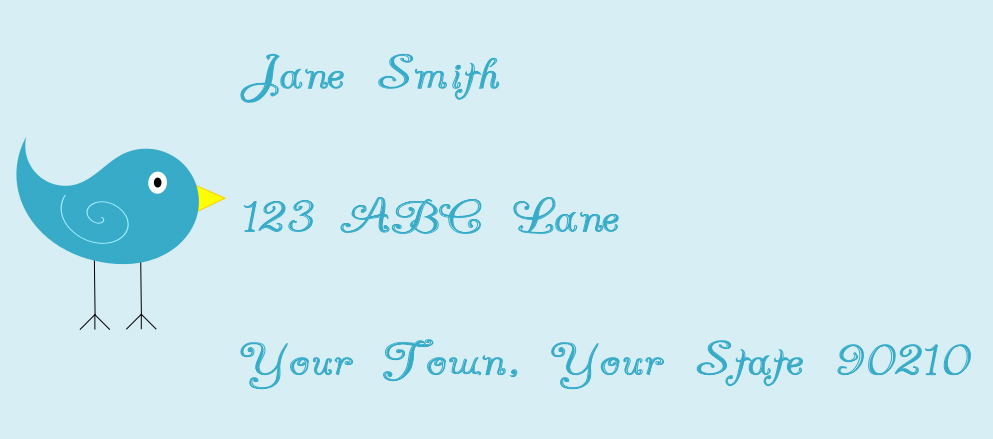
How cute is this little bird?  While I was creating a flourish in Inkscape, I noticed one of the shapes I created could be used to create a bird.  While creating the bird, I learned how to create layers in Inkscape (very important to know). 

The font is called "A Yummy Apology".

I love making my own address labels when I have something special to mail.  Now I need to learn how to create a cool frame for address labels.

Thanks for checking out my blog!

Another use for my flourish


I found another use for the flourish I made in Inkscape.  After I saved the image to my Silhouette library, I used it as a print and cut file.  This is a simple notecard.  I printed the image on white paper and used the offset feature to make the black border. 

Also in this picture is my gardenia.  When I bought this gardenia an older gentleman told me it would not survive here...he recommended I plant it near my house.  Well, this plant is very happy here!  It is probably 11 years old and would be taller than our house if we did not keep it trimed.  It is in full bloom right now and smells GREAT!

Hope everyone is having a great weekend!

Flourish made with Inkscape


I have been interested in graphic design, but not sure how to get started besides enrolling in a college course, which I may do, if I can find some spare time.

I used a youtube video to help guide me on the process, but didn't copy his design (which was VERY beautiful).  Here is a link to the youtube video.  He makes it look so easy to make these swirly lines.  I struggled a bit, but stuck with it until I got the look I wanted.  I started the file last night and finished up this morning since I woke up extra early.  :-/

Once I created my flourish I saved it as a .png file, opened it in Silhouette Studio, traced it and cut it.  Sounds simple huh?  ha!  I had to go back to the original Inkscape file and make the lines thicker so I could get the flouish off the mat without ripping it. 

Now I need to add it to my Silhouette library so I can use it in the future...I think this would look great on a layout.

Wednesday, December 26, 2012

Created an Angry Bird using Wacom Bamboo Tablet

Angry Bird

For my birthday, my wonderful hubby got me a Wacom Bamboo Tablet, so I can draw my own images easily.  In the photo above, you can see the tablet in the background.

To create this card, first I did a search on youtube to find out how to draw the bird.  The tutorial I used is here.  Like the lady in the tutorial, I used Inkscape to draw the bird. Once I was finished with the bird, I imported it to my Silhouette Studio software, where I traced it and then set the cut lines. 

To create the sling shot, I used the font tool and chose the letter "Y" in Silhouette Studio, then I filled it a "wood" pattern.  I created the tree using an existing file I had purchased from SIlhouette, it contained 4 leaves and some limbs.  To create the trunk, I used the rectangle tool.  The grass was also created using pre-purchased files from the Silhouette Online Store.

I cut "Happy New Year" using vinyl.  Sooo easy to put on the card!

I tried to follow the first scene in the Angry Birds game - and I think it turned out alright.  My goal was to draw and cut the bird, so mission accomplished!